
What Is a CMS? A Small Business Guide
What is a CMS, and which one should a small business use?
A CMS is the part of your website that lets someone who is not a developer change the words, images and pages. The choice of CMS decides how much that change costs for the next five years, which is why it matters more than the theme.
If you want the primary source rather than a summary, the WordPress documentation covers the self-hosted model end to end, and the Google Search Essentials explain why a CMS that produces clean, crawlable HTML matters more than the template you pick.
What is a CMS: the plain definition
A content management system (CMS) stores your content separately from the code that displays it. Editors write in a browser, hit publish, and the site updates without anyone touching a file. WordPress, Webflow, Squarespace, Shopify and Drupal are all CMSs, and so is a custom admin panel built for one company.
The meaningful differences are not features on a checklist. They are who can edit the site safely, what happens when you stop paying, and whether the content can move if you leave.
What a CMS actually does for you
If a platform cannot do these four things cleanly, it will cost you money later.
Because a CMS stores content in fields rather than in page files, a text change does not need a developer. However, the wrong CMS turns that into a chore, which is why the choice matters more than the brand. Therefore the questions below are the ones that actually decide it.
For example, a five-page brochure site does not need a headless build. However, a catalogue with 200 products does need structured content, or editing becomes a chore. Therefore, pick the CMS your team can still run in five years.
- Edit copy and images on any page without a developer or a support ticket
- Add a new page from a template that already matches the design system
- Keep a revision history so a bad edit can be undone
- Export the content in a form you could move to another platform
How the common options compare
Pricing below is typical for a small business; check current rates before committing.
For example, the cheapest answer to what is a CMS usually needs a plugin stack you will replace within two years.
| Platform | Best for | Where it hurts | Ownership |
|---|---|---|---|
| WordPress (self-hosted) | Businesses that want to own the site and control hosting | Needs maintenance discipline; page builders make it slow | You own code and content |
| Webflow | Design-led marketing sites with a designer on staff | Annual platform cost; export is limited | Content exports, site does not |
| Squarespace / Wix | Single-owner businesses, simple five-page sites | Hard ceiling on custom work; slow front ends | Platform holds the site |
| Shopify | Product catalogues and checkout | Costly add-ons; content model is retail-shaped | Content exports, theme is tied |
| Custom / headless | Large catalogues, integrations, multi-language | Higher build cost and needs a developer later | You own everything |
The question that decides which CMS you buy
However, the right answer to what is a CMS depends on your team, not on a feature matrix.
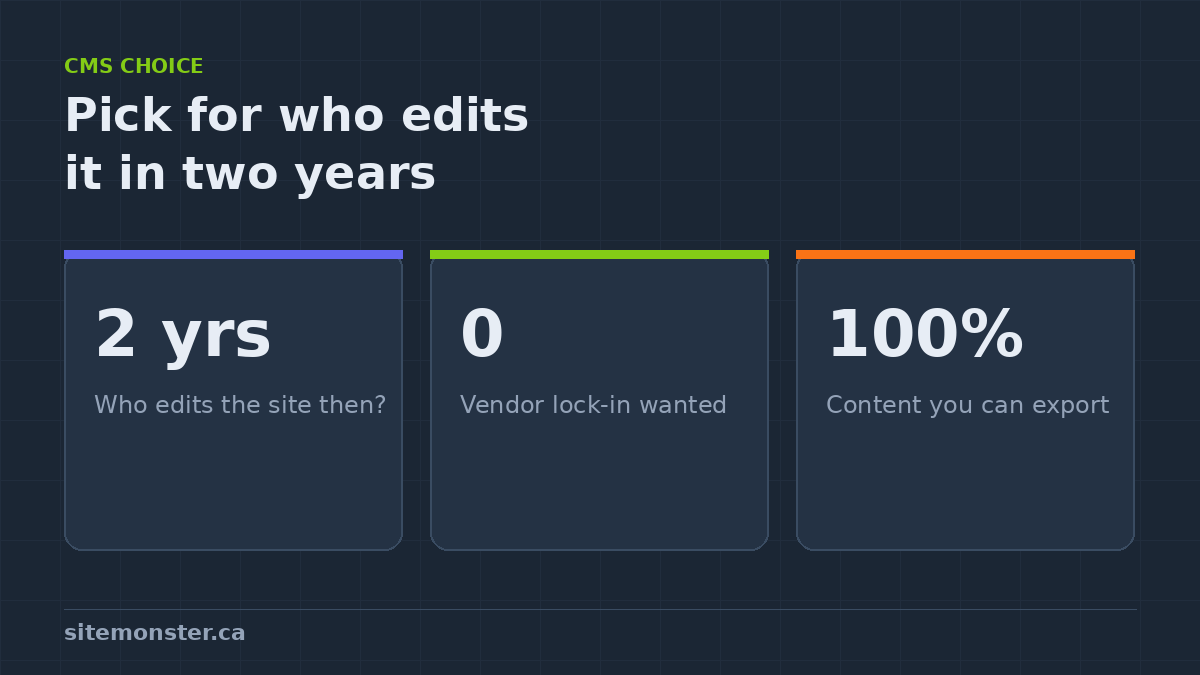
Ask who edits the site in two years. If the answer is “whoever we hire”, a heavyweight system with a complex admin is a liability. If the answer is “our office manager”, the CMS has to be genuinely simple, with templates that cannot be broken by pasting from Word.
For example, if two people need to edit pages weekly, the answer is a standard CMS rather than a static build. However, if the site is five pages and rarely changes, a heavier system is just maintenance you pay for. Therefore ask how the site will be edited in five years, not how it looks today.
Then ask what happens if you stop paying. A platform subscription that holds your site hostage is not the same product as a self-hosted install you can move. Neither is wrong, but only one of them is an asset.
Five questions to ask any vendor
Ask these before signing, not after launch.
- Can I add a page myself without breaking the layout?
- Where does the site live, and can I move it without your help?
- What happens to my content if I cancel?
- How many plugins or third-party subscriptions does it depend on?
- Who fixes a security update six months after launch?
Need what is a CMS, answered for your team?
We build on a block-based CMS with editor-safe templates, then hand over the repository and a walkthrough video. Free 48-hour audit to start.