
Squarespace Website Design and Setup
Squarespace Website Design and Setup
A design-focused builder known for clean templates. Popular with creatives, studios and service businesses.
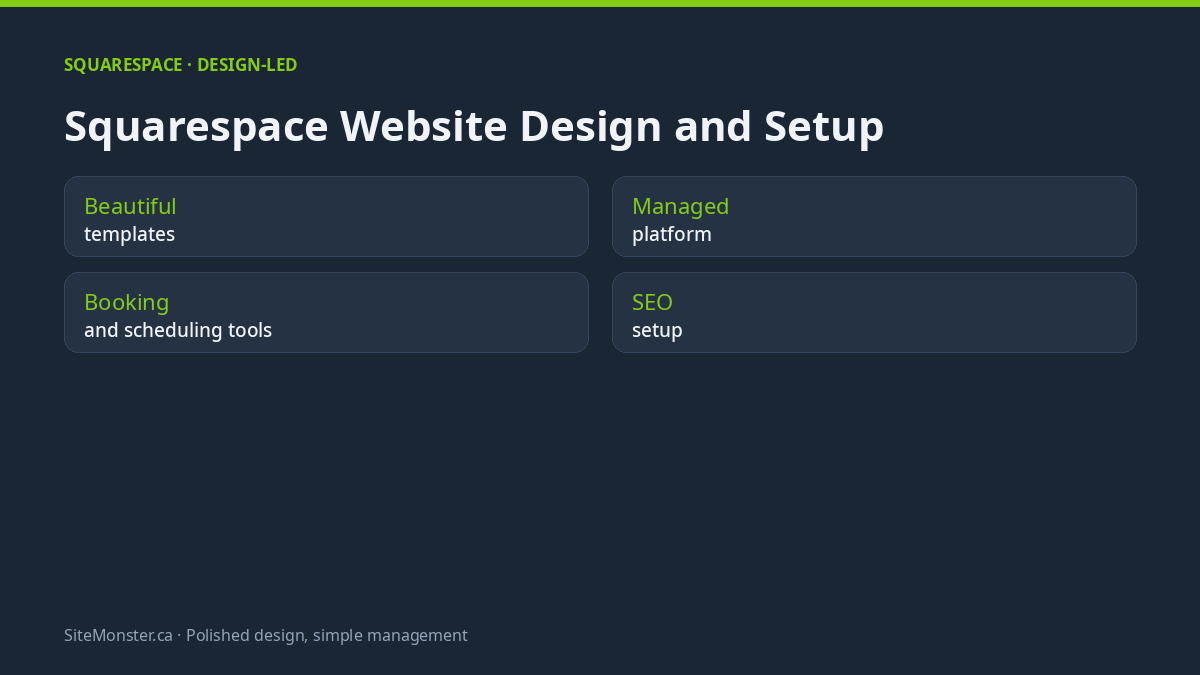
A design-focused builder known for clean templates. Popular with creatives, studios and service businesses. For platform documentation, see Squarespace SEO checklist.
What this build gives you
Beautiful templates
Strong typography and imagery out of the box.
Managed platform
Hosting and updates included in the plan.
Booking and scheduling tools
Built-in options for services and appointments.
SEO setup
We configure the essentials so you can be found.
Who it fits
Photographers, studios, consultants and service businesses that value look and ease.
The trade-off, stated plainly
Squarespace gives strong typography and imagery with very little setup, and it handles hosting and updates for you. The trade-off is flexibility: custom features stop where the platform stops, structured data goes only as far as the templates expose it, and a move elsewhere means rebuilding the site rather than exporting it.
How the build runs
Scope and platform choice
We look at what you sell, who edits the site afterwards and what has to rank. The platform follows from that, not the other way round.
Structure and design
Page list, heading order, internal links and the design itself, agreed before anything is built.
Build and content
Pages built, copy fitted, forms and integrations connected, and the redirect map written if anything is moving.
Launch and handover
Green Core Web Vitals checked, Search Console and sitemap submitted, then a walkthrough so you can edit the site yourself.
What is included on any platform
Domain and DNS
Registered in your name, with DNS records documented so nobody has to guess later.
Page structure
One page per service, a clean heading order and internal links that pass relevance around.
Forms and enquiries
Delivered to a mailbox you control, over TLS, with spam filtering that does not block real customers.
Schema and sitemap
The right structured data for your business type, plus a sitemap submitted to Search Console.
Speed budget
Images sized, scripts trimmed and Core Web Vitals measured on the live site, not on a demo.
Handover
A walkthrough recording so you can edit text, prices and hours without calling us.
Questions people ask
Will I be able to edit it?
Yes. We hand over a site you can update yourself.
Can you move my current site over?
Yes, with a 301 redirect map for every page that ranks now, so the move does not cost you traffic.
Can I edit it myself afterwards?
Yes. We hand over a site you can update without a developer and show you how the pages are built.
What a build costs in CAD
Starter Launchpad is $389 for 5 pages, Growth Business is $875 for 15 pages in 2 – 3 weeks, and Custom Enterprise starts at $1,960. Extra pages are $100 each. Run the calculator with your own page list.
Related reading: all the platforms we build on, maintenance and support, and published CAD pricing.
Tell us what you are building
Send the URL and the goal. You get a ranked list of what to fix and a fixed scope, not a sales call.